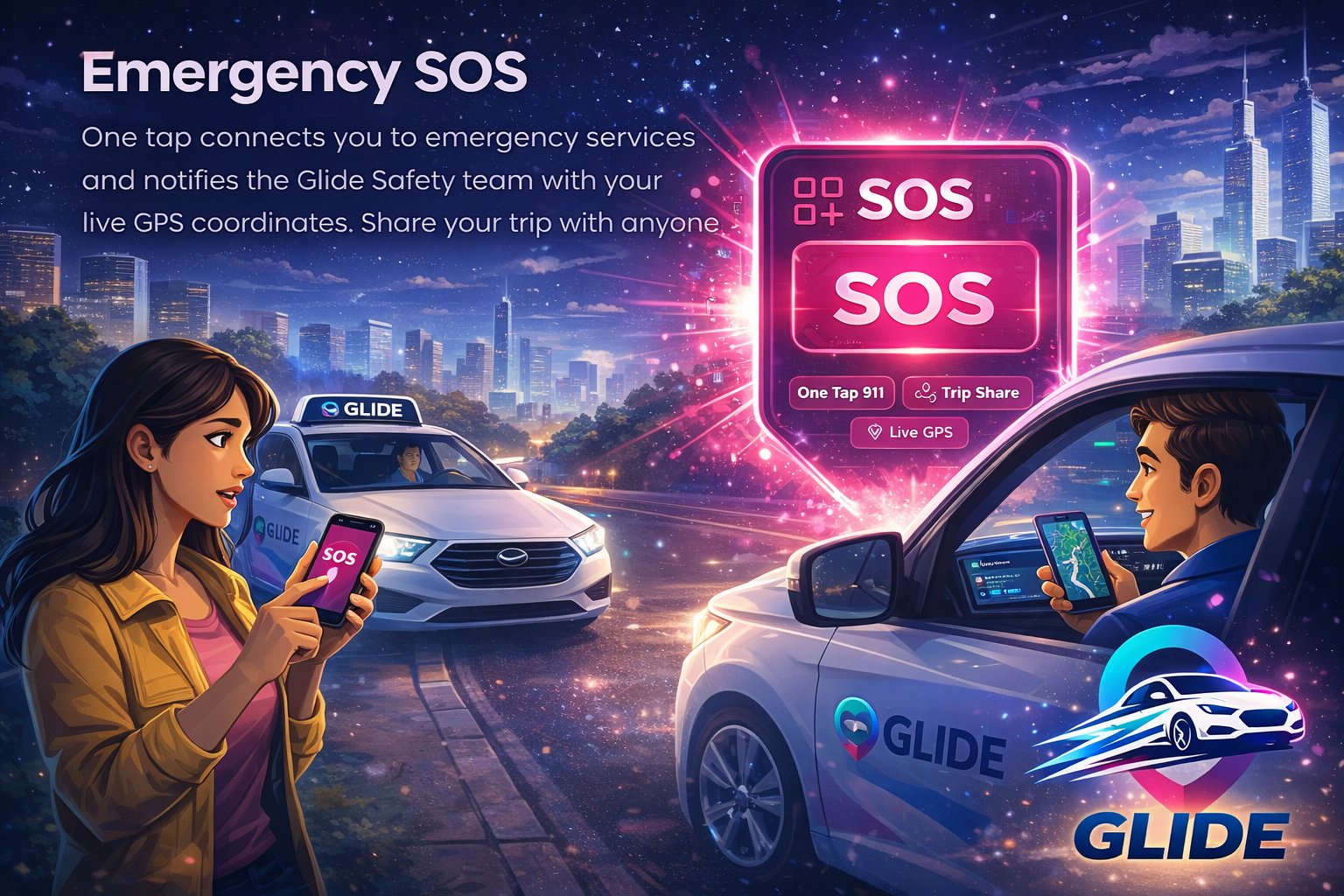
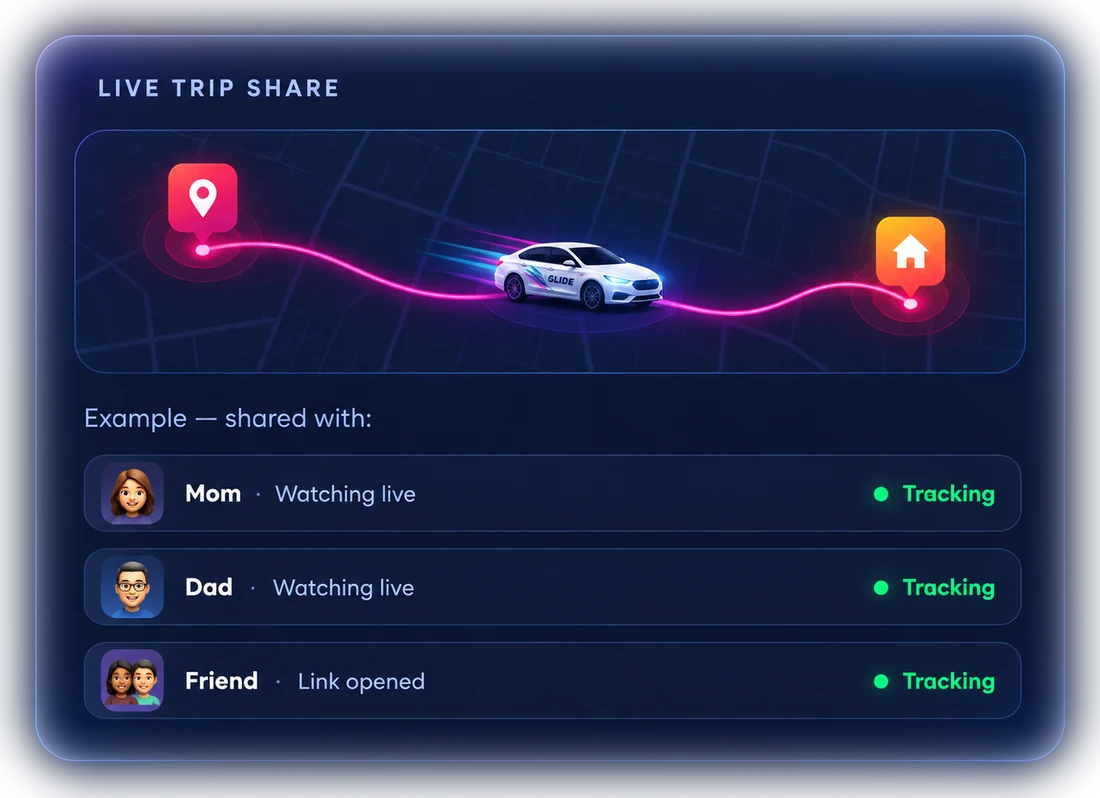
Press and hold the Emergency SOS button in the GLIDE app. After a short countdown (so you can cancel an accidental press), the GLIDE safety team is alerted with your live location — and you can call 911 or your emergency contact with one tap. If you're in immediate danger, call 911 right away.
Feeling unsafe but don't want to make a scene? Using SOS doesn't notify your driver — only the GLIDE safety team is alerted. Pressing and holding the button, plus a short countdown, prevents accidental alerts.
If your trip has a long, unexpected stop or goes well off the expected route, GLIDE asks you and your driver "Is everything OK?" — get help with one tap. Unanswered checks go to the GLIDE safety team.
Make sure you're in the right car: your driver needs your 4-digit PIN to start the trip. On by default from 9pm to 6am, and you can set it to always on.
Opt in to record audio during your trip. Recordings are encrypted and stay on your phone, deleted after 7 days unless you file a safety report. Only GLIDE safety staff can play an uploaded recording, and uploads are deleted after 90 days.
Every driver passes a Checkr background check (criminal history and driving record) and regular live selfie ID checks, so the person driving matches the profile you see.
Emergency SOS is built into the GLIDE Rider app for every rider, on every trip — at no extra cost.