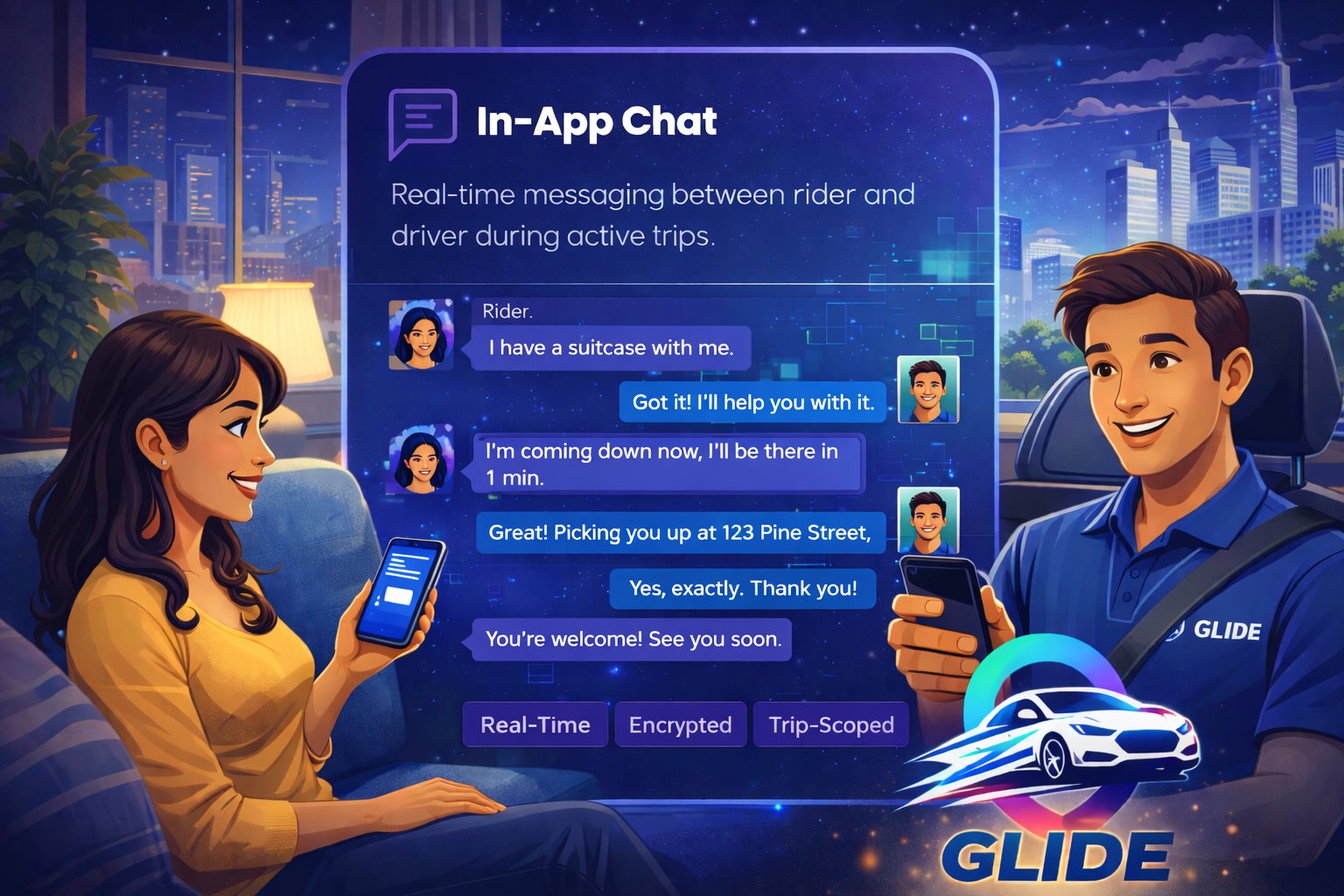
As soon as a driver accepts your ride, you can message each other in the GLIDE app. Coordinate pickup, mention luggage, ask questions — all without sharing your phone number.


As soon as your driver accepts, chat is ready on your trip screen — no setup, no swapping numbers. Just start typing, and your driver gets a notification.
Need to talk? Call your driver from the app. The call goes through a masked number, so neither of you sees the other's real phone number.
Quick-reply chips let riders and drivers send common messages with one tap — like letting your driver know you're on your way out — so drivers don't have to type while driving.
Chat stays open for 24 hours after your trip, so you can reach your driver about a lost item. After that, the conversation is read-only.
If anything feels wrong during a trip, use Emergency SOS to alert the GLIDE safety team, or contact us through Help & Support in the app.
Privacy isn't an afterthought in GLIDE chat. Here's how it works.
Book a GLIDE ride and message your driver right from your trip screen — no phone numbers shared.